
See your energy, at every site
XNRG connects your energy meters to a live dashboard. Follow power, energy and power quality for every building, plant and customer, in your browser or on your phone.
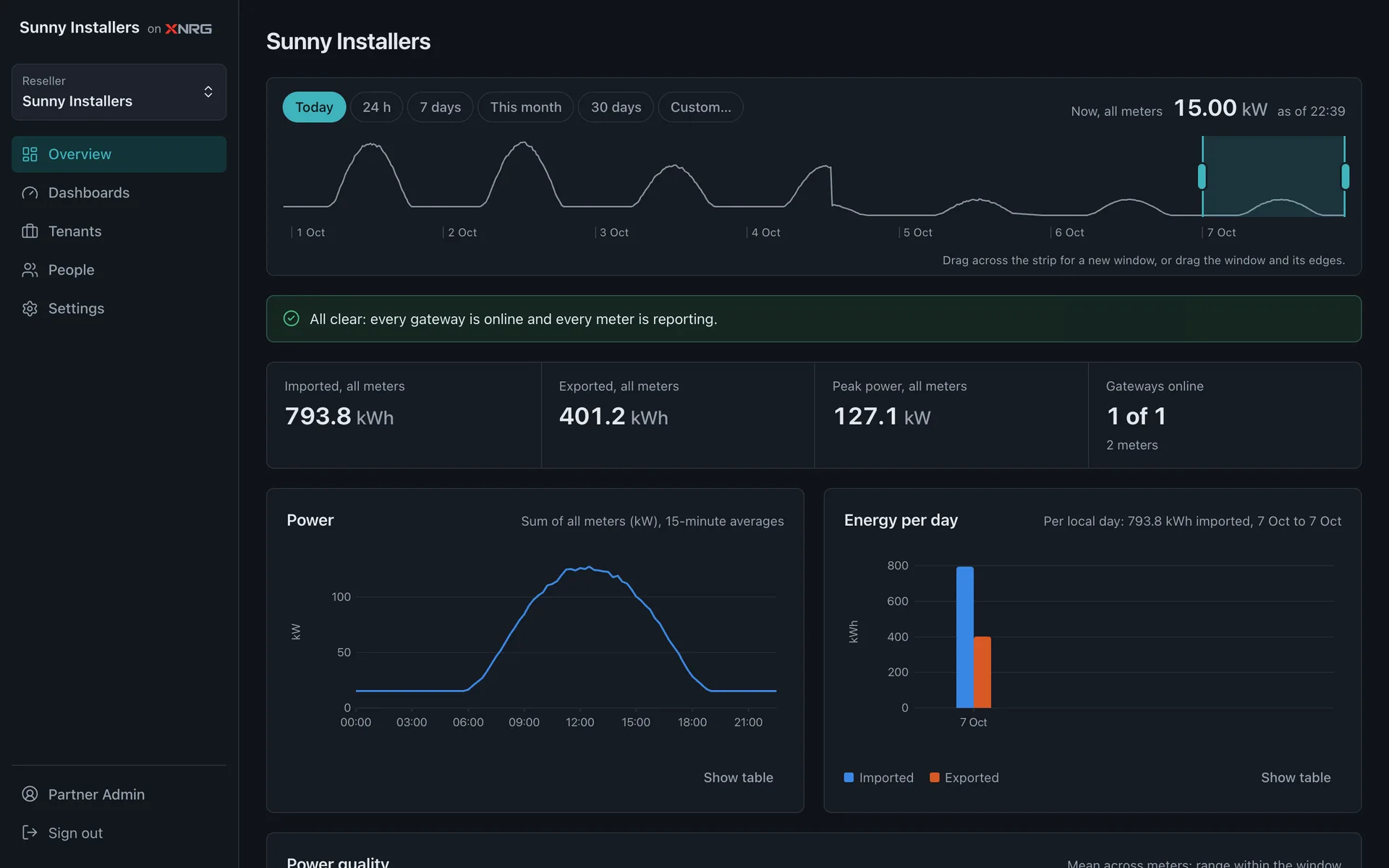
Live readings from every meter
Power, energy, voltage, current and power factor, updated every 30 seconds.
All your sites in one place
Factories, shops, homes and solar plants side by side, with one login.
Set up from your phone
Scan the label on the gateway, pick the site, connect to Wi-Fi. Done.
Up and running in an afternoon
No servers to set up and no software to install. A gateway, your phone and Wi-Fi.
- Step 1
Install the gateway
Your electrician clips the XNRG gateway next to the meter and connects two wires.
- Step 2
Scan and connect
Open the XNRG app, scan the QR label and join your site's Wi-Fi.
- Step 3
Watch the numbers
Readings appear in your dashboard within a minute. Check them from anywhere.
Built for energy
Start with the meters you already have.
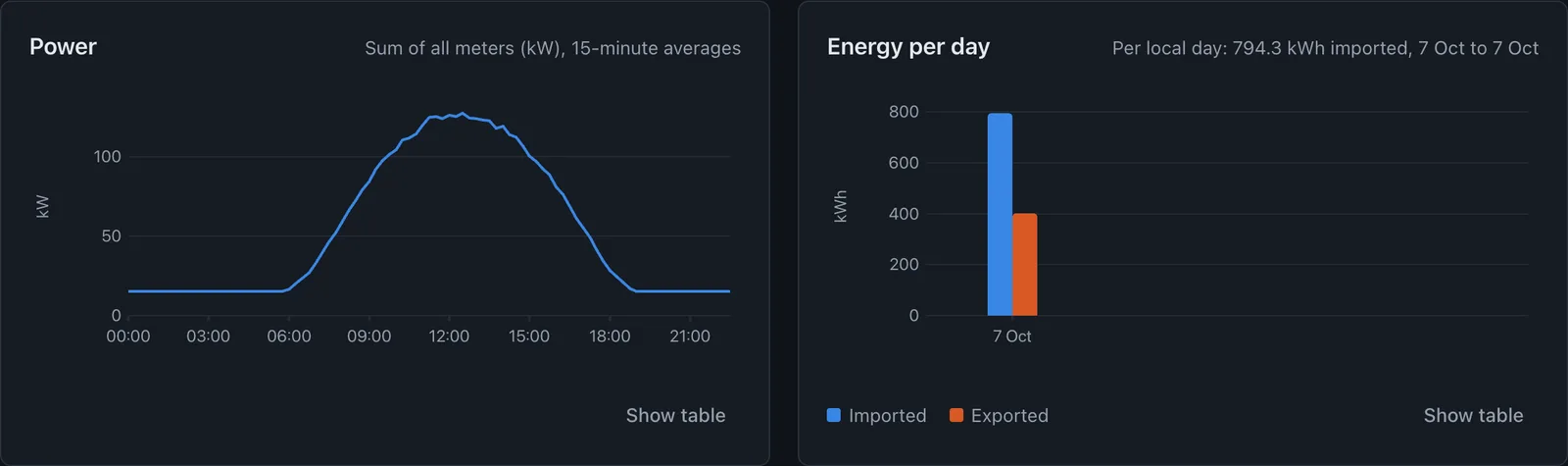
Everything on one screen
The XNRG Console shows the numbers that matter, without a manual.
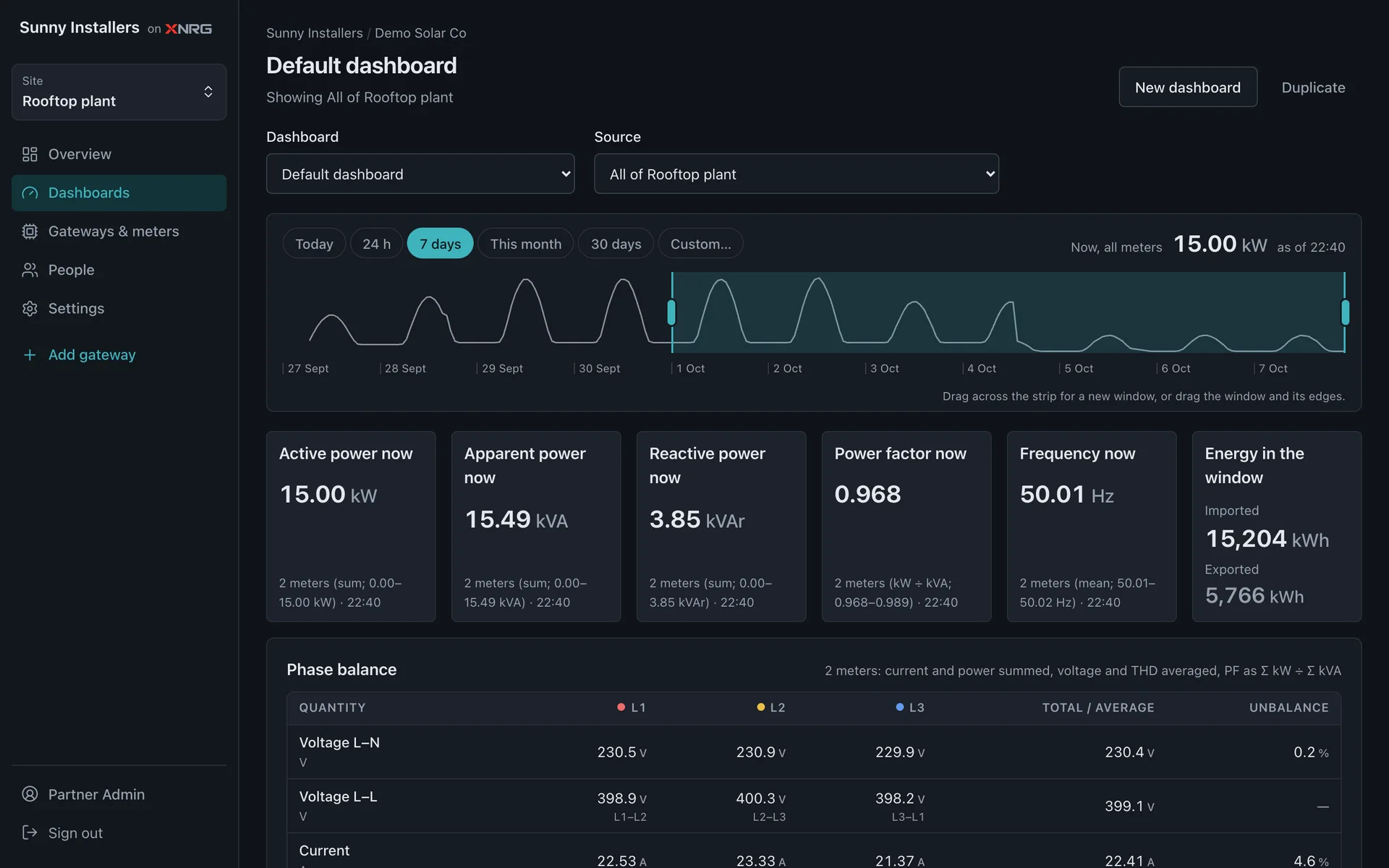
Dashboards that make sense
Open a site and see power right now, the energy you used and the quality of your supply.
- Pick today, 7 days, this month or any range
- Phase-by-phase voltage, current and power
- Build your own dashboards and share them with your team
Every site and customer together
Group meters by site and sites by customer. See which ones are online and how much each one uses.
- One login for all your locations
- Give each person the admin, operator or viewer role
- Change meter settings, such as CT ratios, without a site visit

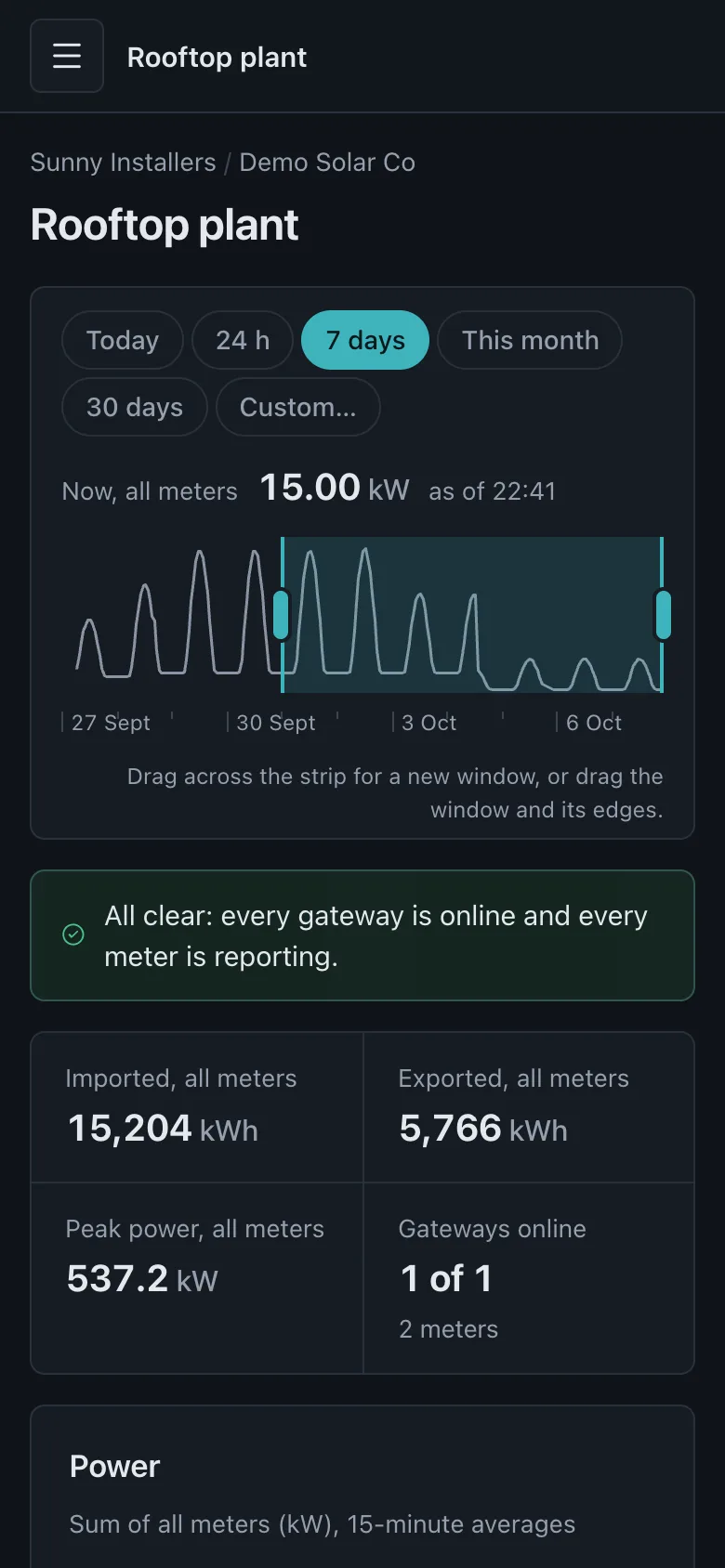
Check in from your phone
The console works in any phone browser. Live numbers and history, wherever you are.
- Light and dark themes
- No app needed to view your data
- Set up gateways with the XNRG app for Android
What's next
On the way, in small steps.
Alerts
Get told when power drops, a meter goes quiet or usage crosses a limit you set.
Coming soonReports
Monthly energy reports per site, ready to download or share.
Coming soonDashboards in the app
The same charts you see in the browser, inside the XNRG app.
Coming soonAdd your own meter maps
Upload a register map for a new meter model and start reading it the same day.
Coming soonMore protocols and sensors
Beyond Modbus RTU energy meters: more protocols and sensor types.
Coming soon
Your meters, read properly
Many energy meters have a two-wire data port (RS485, Modbus RTU). XNRG reads it. For each meter model we keep a map of where every value lives, so you see the right numbers with the right units.
Selec MFM384 works today
73 values, from voltage and current to energy and harmonics.
Another meter?
Send us the make and model and we add its map.
Questions
Which meters does XNRG work with?
Energy meters with an RS485 port that speak Modbus RTU. The Selec MFM384 is ready today. For another model, send us the make and model and we add its register map.
Do I need an electrician?
Yes, for the wiring. The gateway clips onto a DIN rail in your panel and connects to the meter with two wires. After that, setup happens on your phone.
What does the site need?
A 2.4 GHz Wi-Fi network that reaches the panel. The gateway sends its readings over an encrypted connection.
How often is the data updated?
The gateway reads each meter every 30 seconds. Charts show live values and history from today back to past months.
What happens if the Wi-Fi drops?
The gateway keeps trying to reconnect until the network is back. The console shows which gateways are offline.
Can I see the data on my phone?
Yes. The console works in your phone's browser. The XNRG app for Android sets up gateways.
I install systems for customers. Can I manage all of them?
Yes. A partner account holds all your customers and their sites, and your customers see your name and logo in the console.
Start with one site
Tell us how many meters you have and what they are. We'll tell you what you need.